When it comes to creating a website in 2025, choosing the Best CMS Platforms is more important than ever. Whether you’re a beginner launching your first blog, a business owner running an online store, or a developer building custom solutions, the right CMS can save you time, effort, and money.
With many CMS platforms available, each with its own features, pros, and pricing, it’s easy to get overwhelmed. That’s why we’ve created a list of 16 best CMS platforms for websites in 2025, to help you make the right choice for your needs.
What is a CMS?
A Content Management System (CMS) is tool that helps you create, manage, and publish content for websites without writing code.
Think of it as engine behind your website that lets you add pages, upload images, organize content, and many more, all through user-friendly dashboard.
Instead of writing HTML, CSS, or JavaScript, you use CMS dashboard to add images, format content, and structure your site. Popular examples are WordPress, Joomla, and Drupal.
What is a Website Builder?
A website builder is tool designed for beginners to create websites using simple drag-and-drop interface. It’s all-in-one solution where hosting, design, and content editing are combined into single platform.
Examples include Squarespace and Weebly. These platforms are ideal for users who want to launch website quickly without dealing with code or external hosting.
Difference Between CMS and Website Builder
| Feature | CMS Platform | Website Builder |
| Flexibility | High – fully customizable | Limited – mostly template-based |
| Ease of Use | Moderate – depends on platform | Very easy – drag-and-drop |
| Hosting | Usually self-hosted | Hosting included |
| Control & Scalability | Full control, scalable | Limited control, less scalable |
| Ideal For | Blogs, businesses, custom websites | Portfolios, small business, landing pages |
| Examples | WordPress, Joomla, Drupal | Wix, Squarespace, Weebly |
Best CMS Platforms in 2025 (Comparison Table)
| CMS Platform | Written In | Starting Price |
| WordPress | PHP | Free (self-hosted) |
| Shopify | Ruby | $1994/month |
| Wix | JavaScript | $250/month |
| Joomla | PHP | Free (self-hosted) |
| Drupal | PHP | Free (self-hosted) |
| Webflow | JavaScript | $18/month |
| Ghost | Node.js | $11/month (self-hosted) |
| Squarespace | Javascript | $25/month |
| Magento | PHP | Free (self-hosted) |
| TYPO3 | PHP | Free (self-hosted) |
| Contentful | JavaScript/Go | Free (self-hosted) |
| Strapi | Node.js | Free (self-hosted) |
| Blogger | Python | Free |
| Craft CMS | PHP | Free (self-hosted) |
| Concrete CMS | PHP | Free (self-hosted) |
| HubSpot CMS Hub | Java | $890/month |
1. WordPress
WordPress is most popular free CMS. It’s flexible, has many plugins, and is easy to use. You can create any site for blog, any business site, or an online store with it. Whether you are creating blog, business website, or online store, WordPress can handle it all with ease. It’s self-hosted, so you will need domain and hosting plan for it.
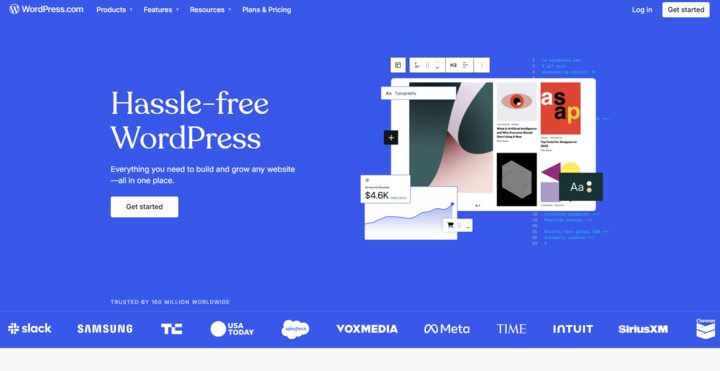
Best for: creating blogs, for business websites, portfolios, and e-commerce websites
Why it stands out: WordPress runs more than 40% of all websites. It’s open-source, highly customizable, and backed by massive community. With thousands of themes and plugins, you can easily create almost any type of websites.
With ServerAvatar, you can easily install WordPress application by using one-click installation feature.
Additionally, you can use Managed Server feature to create a server directly from ServerAvatar and Self-Managed Server feature to connect your own VPS.
Pros:
- Free and open-source
- Huge library of plugins and themes
- Great for SEO and content marketing
Cons:
- Requires hosting and maintenance
- It can be overwhelming for total beginners
2. Shopify
Shopify CMS is fully hosted and specifically designed for e-commerce websites. It allows you to quickly build, customize, and manage an online store, even if you have no coding experience. With built-in payment gateways, shipping tools, and analytics, it’s perfect for online sellers.

Best for: Online stores and e-commerce entrepreneurs.
Why it stands out: Shopify is dedicated e-commerce CMS that simplifies online selling. It handles payments, shipping, product pages, and more, all in one place.
Pros:
- Fully hosted and secure
- Beautiful store themes
- Excellent customer support
Cons:
- Monthly fees
- Limited customization outside Shopify ecosystem
3. Wix
Wix is website builder and CMS combined into one easy-to-use platform. It offers drag-and-drop editing, stylish templates, and built-in hosting. Ideal for beginners and small business owners who want to launch website quickly without any coding.
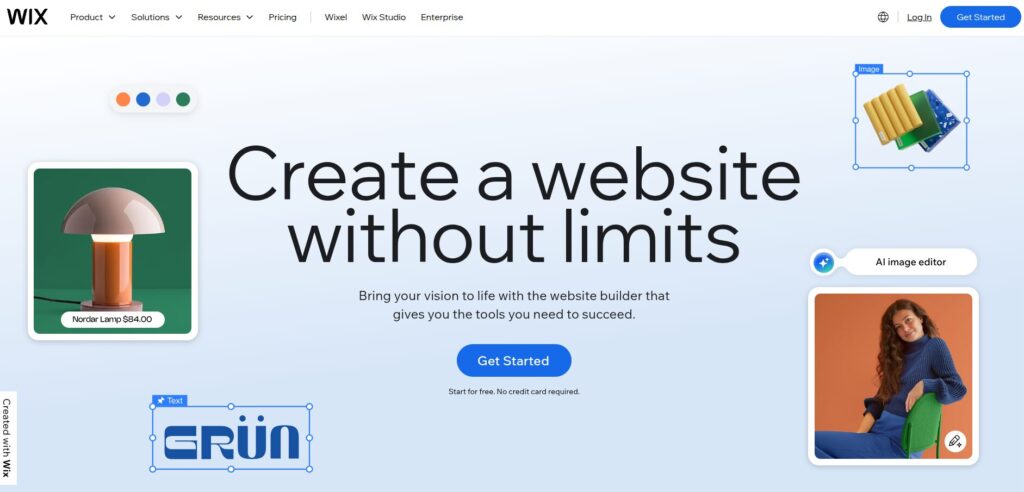
Best for: Small business owners and creatives.
Why it stands out: Wix is website builder with drag-and-drop feature in it, that works as a CMS. It’s perfect for those who want beautiful site without coding.
Pros:
- Beginner-friendly
- Built-in design tools and templates
- Hosting included
Cons:
- Limited flexibility for complex sites
- Slower loading time for larger websites
4. Joomla
Joomla is free, open-source CMS that gives more structure and flexibility than WordPress, making it ideal for complex websites. It has strong user access controls, multilingual support, and a loyal developer community. It’s best suited for users with some technical background.
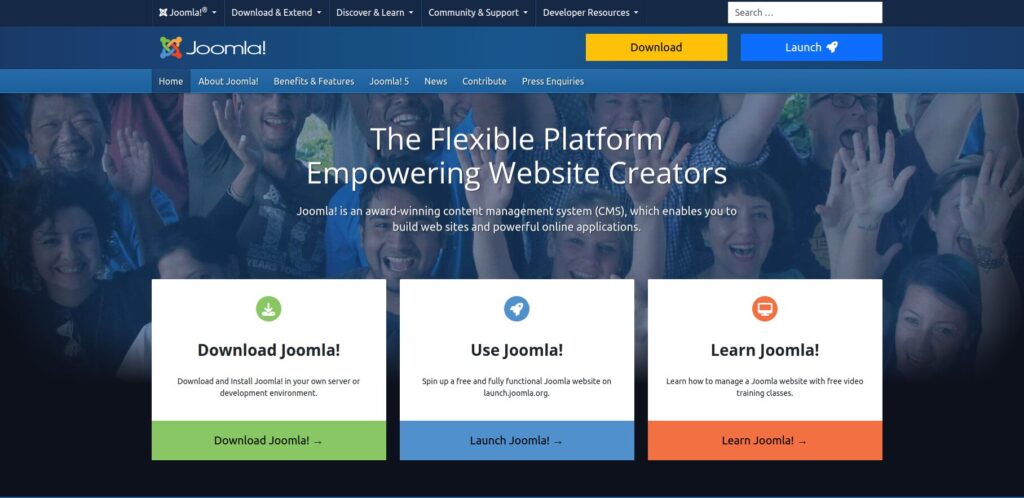
Best for: Advanced users and developers.
Why it stands out: Joomla is known for its flexibility. It sits between WordPress and Drupal in terms of complexity and features.
With ServerAvatar, you can easily install Joomla application by using one-click installation feature.
Additionally, you can use Managed Server feature to create a server directly from ServerAvatar and Self-Managed Server feature to connect your own VPS.
Pros:
- Great for multilingual sites
- Strong user and content management
- Free and open-source
Cons:
- Steeper learning curve
- Smaller extension library than WordPress
5. Drupal
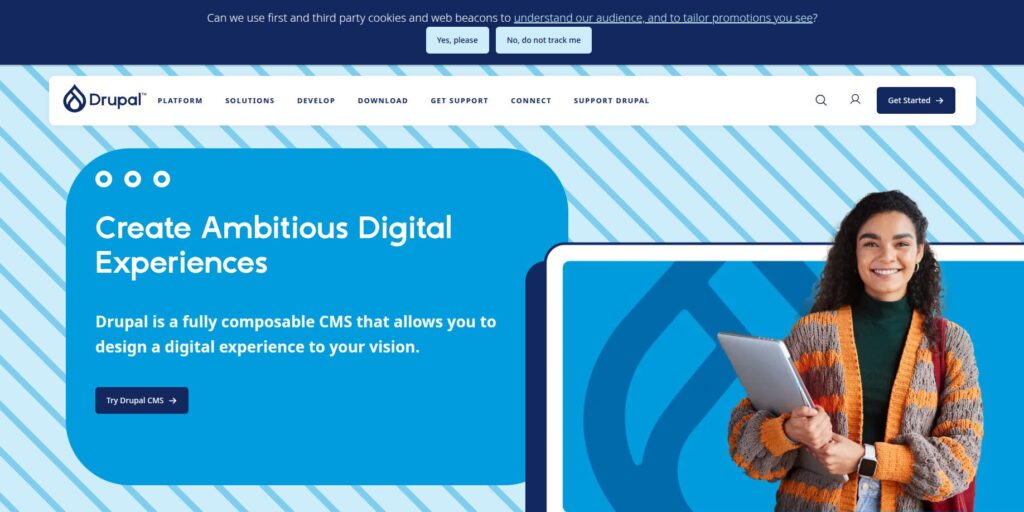
Drupal is strong CMS made for developers and large websites that require high security, complex data handling, and customization. It’s open-source and highly scalable, making it favorite for enterprise, government, and educational institutions.
Best for: It is best for complex and large websites and government sites.
Why it stands out: Drupal is secure and customizable platform, and it is popular among enterprise-level users and developers.
Pros:
- Excellent for custom data structures
- Highly secure and scalable
- Flexible roles and permissions
Cons:
- Not beginner-friendly
- Requires technical expertise
6. Webflow
Webflow combines power of visual design with a full-featured CMS. It’s ideal for designers and front-end developers who want full control over website layout and interactions, while still managing content through clean, no-code interface.
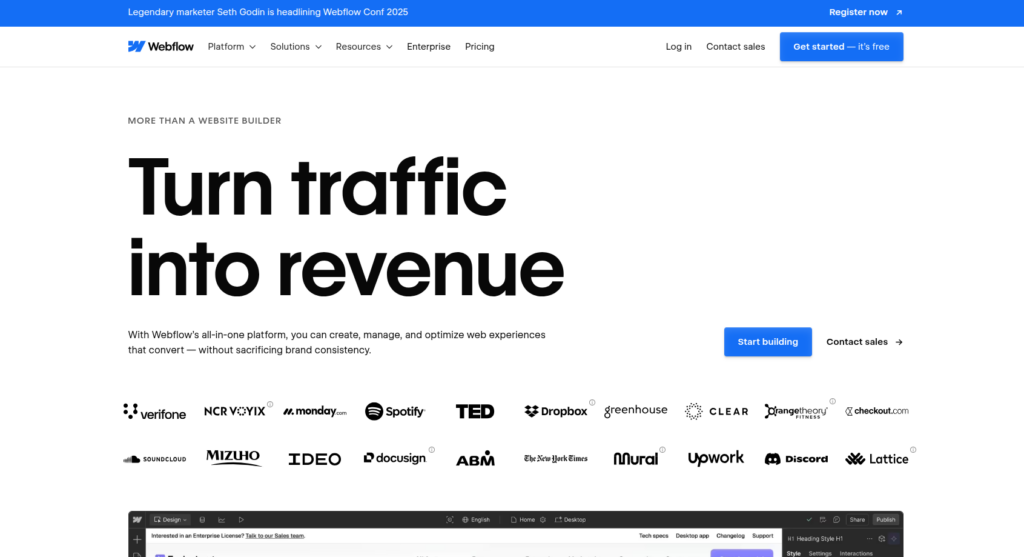
Best for: It is popular for designers and developers who want control on and clean code.
Why it stands out: Webflow combines visual design with CMS features and outputs production-ready HTML/CSS. Great for high-end websites.
Pros:
- Clean, exportable code
- Fully responsive designs
- CMS + hosting in one
Cons:
- Higher pricing tiers
- Learning curve for non-designers
7. Ghost
Ghost is fast, simple CMS for bloggers and content creators. Built on Node.js, it focuses on performance and ease, with features like SEO, email newsletters, and distraction-free writing environment.
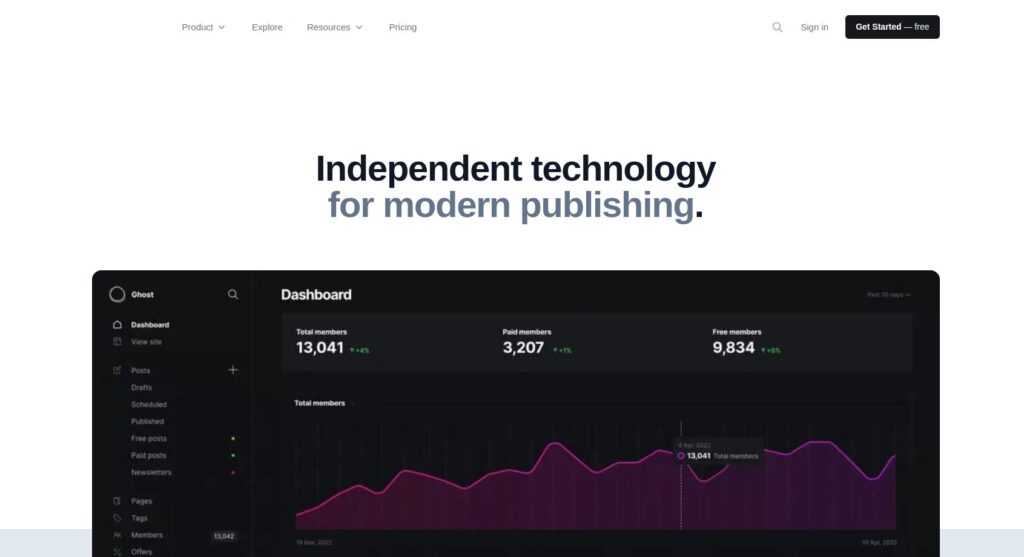
Best for: Bloggers and content creators.
Why it stands out: Ghost is lightweight CMS focused entirely on publishing. It’s fast, minimalist, and perfect for writers who value performance and simplicity.
Pros:
- Lightning-fast performance
- Modern, distraction-free writing interface
- SEO built-in
Cons:
- Limited to blogging and newsletters
- Requires self-hosting unless using Ghost(Pro)
8. Squarespace
Squarespace is an all-in-one website platform known for its sleek design templates and easy setup. It’s great for creatives, freelancers, and small businesses looking to build visually impressive websites without dealing with code or external hosting.
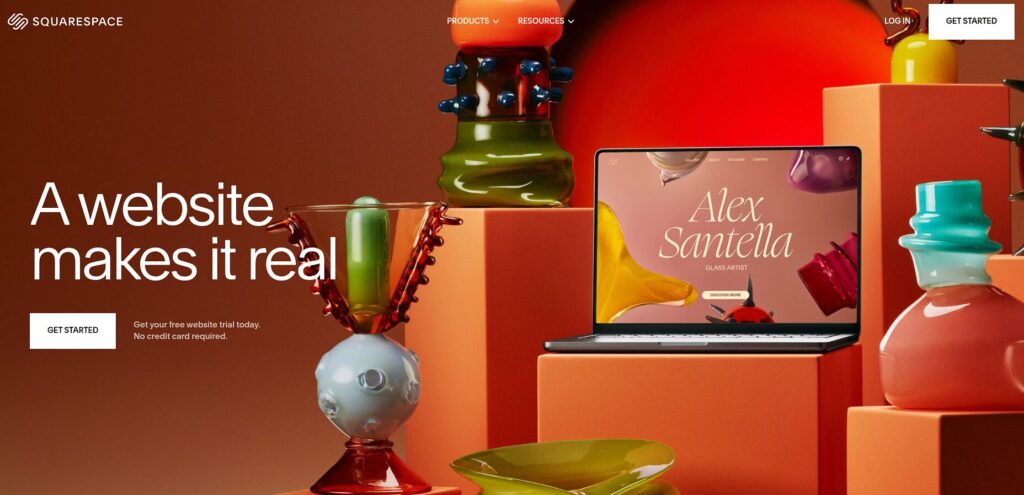
Best for: Artists, photographers, and creatives.
Why it stands out: Squarespace is known for its gorgeous templates and all-in-one platform. It’s perfect for people who value aesthetics.
Pros:
- Stunning templates
- Built-in analytics and marketing tools
- Easy to use
Cons:
- Limited third-party integrations
- Less flexible than open-source platforms
9. Magento (Adobe Commerce)
Magento is a robust eCommerce CMS platform owned by Adobe. It’s perfect for enterprise-level online stores that need complex features like a multi-store support, advanced product management, and large inventories. Best for developers and large businesses.
Best for: Large-scale eCommerce businesses.
Why it stands out: Magento offers enterprise-level features for a stores with thousands of products and advanced business needs.
Pros:
- Highly scalable and customizable
- Advanced product and customer management
- Supports multiple stores/languages
Cons:
- Complex to set up and manage
- Expensive for small businesses
10. TYPO3
TYPO3 is professional, enterprise-level CMS with features suited for large, multilingual, and multisite projects. It’s open-source, highly customizable, and ideal for organizations that require structured content management and long-term stability.
Best for: Enterprise-grade websites and intranets.
Why it stands out: TYPO3 is robust CMS used for complex digital ecosystems. It offers advanced features like workflow management and version control.
Pros:
- Enterprise features
- Multisite and multilingual ready
- Long-term stability
Cons:
- Not ideal for beginners
- Requires technical knowledge
“I'm selfish, impatient and a little insecure. I make mistakes, I am out of control and at times hard to handle. But if you can't handle me at my worst, then you sure as hell don't deserve me at my best.”